


|
Stitches in Time
 |
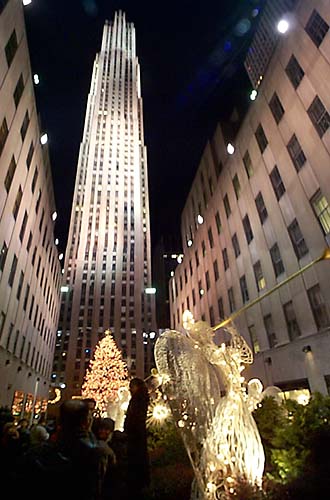 |
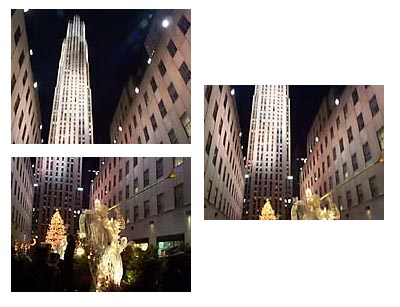
| Even with the fairly large field of view of my little digital camera, some things
are just to big to get in a single frame. Like the sweeping promenade and plaza at
Rockefeller Center with the historic GE
building towering above. Shown here are the three frames it took to capture it all during
the holiday season with the tree, angels and all the trimmings. Though all three images were taken within
seconds of each other, differences of lighting, angle and persepctive had to be dealt with to
stitch the image together to make a reasonable composite image. |
Three Faces of Poe
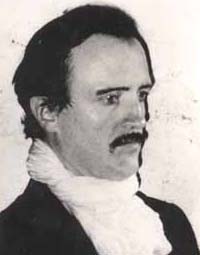
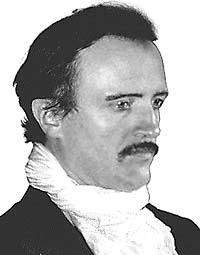
| Original Photo | Intermediate Cleanup | Final Effect |
| 
| 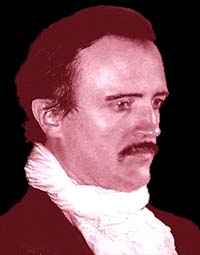 |
| Starting with a bad photo, especially one which is an 8x10 glossy, needn't
present an impossible problem for creating usable images for Web use. Unlike the "original"
image above, with careful scanning and sizing techniques it's possible to produce clear and sharp
images which can be further cleaned of unwanted cruft. When the image is sharp and clean, effects
can be applied as needed. |
Colorize My World
 |
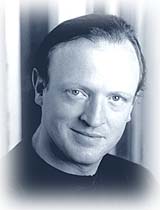 |
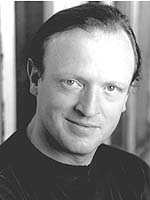
| Sometimes even with a clean and clear photo to work with the original color, or
in this case, the lack of it, doesn't work well. It's often good to shift the tonal impression
of an image to help create mood. In contrast to the Poe image above where red tones are used
to create a tense feel, here the same actor is softened by blue tinting. Sepia tones are often [over]used for corporate
looks, and when using color to stimulate emotion consideration must be given to the differing
cultural values of target audiences. |
 |
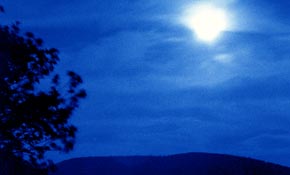 |
| Shifting hues isn't limited to people's faces. Here's a shot of the Moon peeking out
of the clouds on Skyline Drive in Virginia, though the saturated blue isn't exactly softer. |
Color-itical Correctness
 |
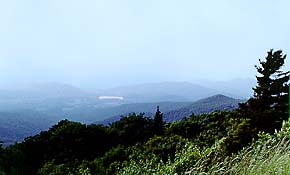 |
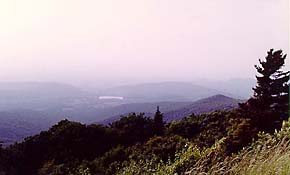
| Though adjusting colors for effect can be fun and effective, sometimes what's
needed are colors closer to "real life," or at least an idealization of reality. Many
problems can crop up with pictures due to incorrect exposure, lighting, etc., or, as in this case,
waiting a couple of years to get the film developed. The magenta cast of the photo obviously bears
little resemblance to reality, but the very blue version is also just a bit double-dyed -- more
"perfect" than the washed out haze of the actual scene. |
Altered Reality
 |
 |
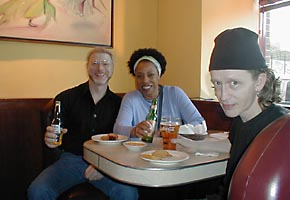
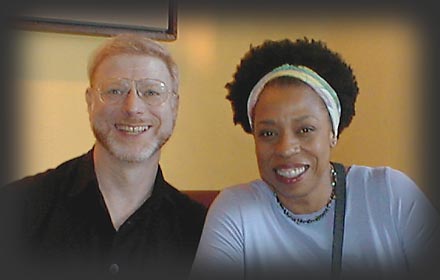
| Often there's much in a photo which isn't wanted, and even though cropping is
easy to do there can still be plenty which isn't desirable -- whether harsh flash shadows,
glints, improper/uneven exposure or inopportune objects. Sometimes reality needs more than a little
retouching, but some things are worth the effort. |
 |
|